 wemofy
Turn conversations
into customers.
Send, automate, and grow across WhatsApp, Telegram and more — from one simple dashboard.
MULTI-CHANNEL OUTREACH
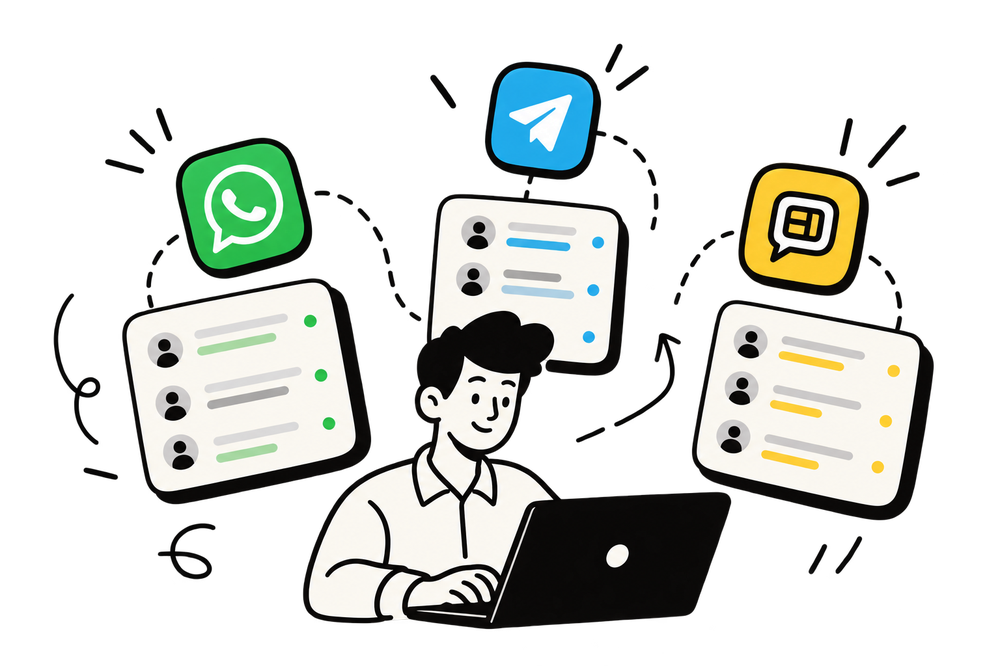
Reach your audienceon their favoriteplatforms.
SAVE TIME
Automate andschedule with ease.

GROW FASTER
Turn messagesinto real results.
One platform,
every channel
Both channels below are real, working integrations — not placeholders.
- Fully supported
WhatsApp
Bulk send, scheduling, templates, chatbot automation, and reports. Groups and interactive buttons supported.

- Fully supported
Telegram
Bot mode or personal-account mode — your choice. Groups, channels, templates, and reports.

Your next customers
are already nearby.
Search any kind of business in any area and get a list of real shops, clinics, gyms and studios, with the phone numbers to reach them.
Say who and where
A kind of business, a neighbourhood and a radius. That is the whole search.
See them on the map
Real businesses that list a phone number, pinned around you with their details.
Message them in one tap
Keep the ones you want and send from your own WhatsApp.
In every plan, the free demo too. No card needed.
Smile Dental Care
+91 98••• ••210
16 found nearby
Message themEverything you need
Simple tools. Bigger conversations.
Bulk send
Send personalized messages to hundreds of contacts or groups in one run.

Scheduling
Queue campaigns for a specific time, timezone, or recurring cadence.

Templates
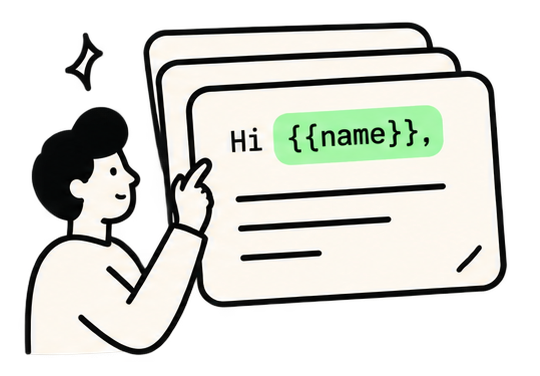
Reusable messages per channel, with variables that personalize every send.
Chatbot automation
Auto-reply rules that match incoming messages by keyword and respond instantly.

Reports
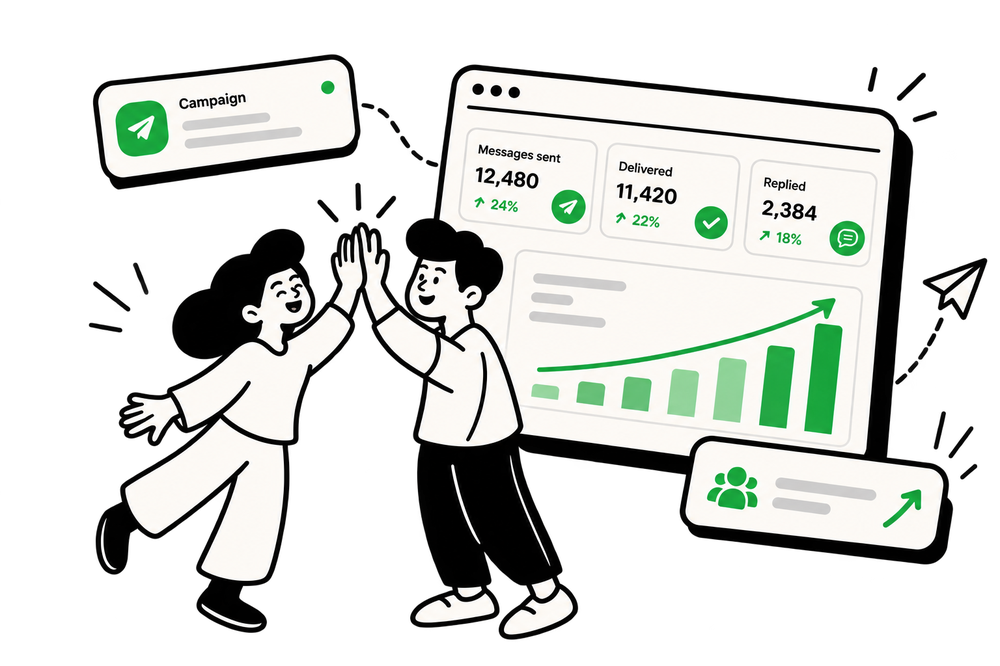
Delivery, reads, and reply tracking per campaign, per channel, so you know what actually landed.

One account, every surface
Same login, templates, and reports across web and extension.

Works everywhere
you do.
Same account, same templates, same reports. Sign in once on each and everything stays in sync.
Browser extension
Fire off a quick message from Chrome while you browse.
Web dashboard
Run full campaigns, contacts and reports from your desk.
Simple pricing.
Try it free for 7 days. No card needed, then pick the plan that fits. Every plan includes WhatsApp and Telegram on each number.
Free demo
Freefor 7 days
Try Wemofy free for 7 days. No card needed.
- 1 number
- 100 contacts
- 10 messages a day
- 10 AI credits a month
- 10 MB of media storage
- 1 signed-in device
Starter
₹999/month
For one person or a small shop getting started.
- 5 numbers
- 5,000 contacts
- 5,000 messages a month
- 100 AI credits a month
- 50 MB of media storage
- 2 signed-in devices
- Auto-reply chatbot
Business
Most popular₹2,499/month
For growing teams that send every week.
- 15 numbers
- 25,000 contacts
- 25,000 messages a month
- 500 AI credits a month
- 200 MB of media storage
- 5 signed-in devices
- Auto-reply chatbot
Professional
₹4,999/month
For businesses running many campaigns at once.
- 40 numbers
- 1,00,000 contacts
- 1,00,000 messages a month
- 2,000 AI credits a month
- 1,000 MB of media storage
- 10 signed-in devices
- Auto-reply chatbot
Agency
₹9,999+/month
For agencies managing numbers for their clients.
- 100 numbers
- 10,00,000 contacts
- 10,00,000 messages a month
- 10,000 AI credits a month
- 5,000 MB of media storage
- 25 signed-in devices
- Auto-reply chatbot
Messages are counted across all channels together. Media per file: images up to 1 MB, videos up to 2 MB, documents up to 1 MB. One number holds one WhatsApp and one Telegram connection.
Frequently asked.
Is this the official WhatsApp Business API?
No. Wemofy connects to WhatsApp and Telegram the same way their own apps do: WhatsApp through a linked-device connection (the same mechanism as WhatsApp Web), Telegram through its Bot API or a personal account login. None of this uses Meta's paid business API, which keeps Wemofy affordable, but it also means these are unofficial integrations, not certified business-messaging products.
How does the free trial work?
Every new account gets 7 days of the Free demo plan, with no card needed. When the trial ends, sending and adding numbers stop, but your contacts, templates and reports are kept so you can pick a plan and carry on.
How do I sign in, and how do I connect WhatsApp?
Sign in with Google or with an email and password. Then add a number and connect WhatsApp by scanning a QR code from WhatsApp on your phone (Settings, then Linked devices). The QR code is only used to connect a number, never to sign in to Wemofy.
Can my number get banned?
Any tool that is not the official API carries some risk, and nobody can promise otherwise. Wemofy lowers it: bulk sends are paced with random pauses between messages, can be limited to sending hours and a daily cap, and replies like STOP add the person to an unsubscribe list automatically. A built-in check also flags spammy wording before you send. You get the best results by messaging people who know you, using a number that is already in regular use, and not starting with a huge first send.
How many numbers can I connect?
It depends on the plan: 1 on Free demo, 5 on Starter, 15 on Business, 40 on Professional and 100 on Agency. One number holds one WhatsApp and one Telegram connection, so a single number can cover both channels. You switch between numbers from the top of the app.
How many messages can I send?
Each plan has a monthly allowance shared across all your channels: 70 on Free demo, 5,000 on Starter, 25,000 on Business, 1,00,000 on Professional and 10,00,000 on Agency. Bulk campaigns are spread out over time rather than sent in one burst, and a message that fails to send is not counted.
Can I send images, videos and documents?
Yes. Images can be up to 1 MB, videos up to 2 MB and documents up to 1 MB per file. Files are kept in private storage that only your account can reach, and a file you attach to a single send is deleted after it has been sent.
How do I add my contacts?
Import a CSV file or paste a list of numbers. Wemofy cleans the numbers, removes duplicates and lets you group people into lists. People who have asked you to stop are kept on an unsubscribe list that you can also import and export, and they are skipped in every campaign.
What can the AI help with?
Rewriting a message so it sounds natural, checking it for spammy wording, making several variations so not every contact gets identical text, drafting a message from a short brief (in English or Hinglish), and sorting replies into interested, questions, not interested and so on. Each action uses one AI credit from your plan, and a credit is given back if the AI fails. The wording risk check itself is free.
Can I use the extension and the web dashboard together?
Yes. They are the same account. Sign in on each, and your numbers, templates, schedules and reports are shared between them. The number of devices you can stay signed in on depends on your plan.
What happens if a channel connection drops?
You will see a prompt to reconnect, with a fresh QR code for WhatsApp or a token check for Telegram. Scheduled messages wait rather than failing silently.
Is my data safe, and can other users see it?
Your contacts, messages, reports and files belong to your account, and every request is checked against it, so one account can never see another's data. Passwords are stored as hashes, and you can end a sign-in on any device. Replies are only stored from people you have messaged in the last 30 days.